
Glossary
Visual Content Glossary
for Modern DTC Brands
A complete A–Z of definitions every brand needs to know for product photography and visual content production.
A
-
Angle
An angle refers to the camera’s position in relation to the product. Choosing the right angle is critical for showcasing product shape, detail, and context in e-commerce photography.
Photography -
Aspect Ratio
Aspect ratio is the proportional relationship between image width and height. Different platforms (Amazon, Shopify, Instagram) require specific aspect ratios for optimal display.
Composition -
Art Director
An art director translates creative strategy into detailed, actionable visual briefs. They work closely with photographers and stylists to bring the vision to life on set.
Role -
A/B Testing
A/B testing involves comparing two versions of a webpage or image to determine which one performs better. It’s commonly used to optimize product photos, angles, or backgrounds.
Marketing -
Add-To-Cart Rate
Add-to-cart rate measures the percentage of visitors who add a product to their cart. Product images play a significant role in influencing this metric by building trust and desire.
Marketing -
Acrylic Sheet
An acrylic sheet is a smooth, reflective surface used under products to create clean reflections or highlight glossy textures. It’s commonly used for tech, cosmetics, and jewelry.
Equipment -
Amazon Image Requirements
Amazon image requirements demand a pure white background, a minimum size of 1000px on the longest side, and a product-only focus. Failing to meet these requirements can lead to listing rejections.
E-commerce -
Apple Box
An apple box is a versatile wooden box used on set to adjust model or product height, stabilize props, or support gear. It's a small but essential piece of production gear.
Equipment -
Approval Link
An approval link is a secure, client-facing page where delivered images are reviewed and approved for use. It supports real-time feedback, approvals, or revision requests.
Workflow -
Approval Process
The approval process is the stage where clients confirm or reject delivered images, often providing comments. It ensures alignment before final delivery.
Workflow -
360° Product Photography
360° product photography involves capturing multiple images of a product from all angles to create an interactive spin experience. It’s effective for showcasing shape, fit, and details online.
Shoot Type -
Asset
An asset is any content deliverable created during a photoshoot — typically images, videos, or GIFs — ready for use across digital channels. Assets are tracked and managed post-shoot.
Content -
Asset Management
Asset management refers to the process of naming, storing, and organizing image files throughout the content pipeline — from capture to delivery. Sound systems reduce confusion and rework.
Workflow
B
-
Backdrop
A physical background that is used to customize an image. E.g. color backdrops, backdrops mimicking materials, such as marble, wood, etc.
Workflow -
Background Removal
Background removal is the process of isolating a product from its original background, typically to replace it with white or transparent space. This is essential for PDP consistency, particularly in marketplaces like Amazon.
Editing -
Beauty Photography
Beauty photography showcases cosmetic and skincare products, with a focus on color, texture, and overall polish. It's often styled with props or swatches to communicate product finish and tone.
Photography -
Behind-The-Scenes (BTS)
Behind-the-scenes (BTS) content showcases the process and crew behind a photoshoot. It builds brand trust, highlights professionalism, and is often used in social media or case studies.
Content Type -
Build the Brief
“Build the Brief” refers to the step-by-step process where a client outlines key project details, such as shot types, product info, and reference images. It’s essential for aligning production with business goals and ensuring efficient execution.
Workflow -
Buyout (Full Rights Transfer)
A buyout grants the client full ownership of the image, including rights to modify, resell, or license it. It’s often more expensive but grants total control.
Legal -
Batch Editing
Batch editing is the process of applying the same edits to a group of images to ensure speed and consistency across the images. It’s ideal for catalog shoots and bulk content production.
Post-Production -
Bokeh
Bokeh refers to the soft, out-of-focus blur seen in the background or foreground of a photo, often created by using a wide aperture. In e-commerce, it’s commonly used in beauty, lifestyle, or jewelry photography to draw attention to the product while softening the surrounding environment.
Technique -
Brief
A brief is a structured document that outlines photoshoot goals, visual references, product details, and image specifications. It serves as the creative blueprint for the production team.
Workflow -
Briefing Process
The briefing process involves defining project goals, references, technical specs, and timelines. A strong brief sets clear expectations and reduces revisions.
Pre-production
C
-
Color Correction
Color correction is the process of adjusting hues, saturation, and tones to ensure the product appears true to life. It ensures consistency across shots and matches brand standards or PDP requirements.
Editing -
C-stand
A C-stand (Century stand) is a versatile, heavy-duty stand used to hold lights, flags, or reflectors in place. It’s essential in professional studios for customizing lighting setups.
Equipment -
Call Sheet
A call sheet is a production document that outlines the shoot schedule, location, crew list, model call times, and client notes. It ensures everyone is aligned for the shoot day.
Workflow -
Call Time
Call time refers to the exact time when crew or talent must be on set, as indicated in the call sheet. Being on time is critical for efficient production.
Workflow -
Crew
The crew includes all professionals involved in executing a photoshoot, such as photographers, assistants, stylists, producers, and technicians. The size and type of crew vary depending on the shoot's complexity.
Production -
Camera Stand
A camera stand is a rigid, often wheeled support system that allows for the precise positioning of a camera, particularly for flat-lay or overhead shots. It's more stable than a tripod for long shoots.
Equipment -
Camera Arm
A camera arm attaches to a stand or tripod and holds the camera in extended positions, such as directly overhead. It’s commonly used for flat-lay photography and top-down product demonstrations.
Equipment -
Casting Call
A casting call is the process of sourcing and reviewing talent submissions for a film, television, or other media production. It allows brands to preview models and choose those that match their demographic or creative needs.
Pre-production -
Content Review
Content review is the client's evaluation phase, which occurs after they receive the assets. It involves reviewing for visual consistency, alignment with the brief, and requesting edits as needed.
Workflow -
Creative Brief
A creative brief outlines the goals, visual direction, and shot requirements for a shoot. It ensures alignment between the client and production team before any assets are created.
Workflow -
Creative Direction
Creative direction defines the visual style and brand tone for a photoshoot. It informs decisions like lighting, angle, mood, and model styling to ensure cohesive image output.
Pre-production -
Creative Producer
A creative producer bridges the gap between logistics and creative vision. They help translate the brief into execution — coordinating with the crew, managing casting, props, and ensuring brand consistency.
Role -
Creative Director
A creative director sets the overall visual tone and brand direction for a shoot. They guide the team on styling, mood, lighting, and composition based on the campaign’s goals.
Role -
Campaign Shoot
A campaign shoot is a high-concept production focused on brand storytelling and emotional connection. It supports launches and seasonal promotions.
Shoot Type -
Catalog Shoot
A catalog shoot focuses on consistent, simple images of products on a clean background. It’s designed for bulk content needs like seasonal collections or product drops.
Shoot Type -
Click-Through Rate (CTR)
Click-through rate measures how often people click on your listing or ad after seeing it. Compelling product thumbnails and hero images enhance CTR on marketplaces and search engines.
Marketing -
Composition
Composition refers to the arrangement of elements within the frame. In e-commerce, a balanced composition helps highlight the product, maintain visual consistency, and minimize distractions.
Photography -
Colored Background
A colored background adds brand personality and visual interest to a product image. It’s often used in lifestyle or creative shoots for DTC and social-first brands.
Photography -
Complete the Outfit
"Complete the outfit" is a cross-sell strategy that pairs additional products together to showcase their compatibility. It boosts AOV and visual appeal on PDPs.
Strategy -
Creative Shoot
A creative shoot is a more conceptual production with styled sets, props, and storytelling elements. It’s ideal for campaigns, ads, and brand-building content.
Shoot Type -
Client Feedback Loop
The client feedback loop is a structured process of gathering and acting on client input throughout a shoot, from brief to final delivery. A smooth loop reduces revisions.
Communication -
Color Checker
A color checker is a calibration tool placed in the frame at the start of a shoot to ensure accurate color reproduction during editing. It’s essential for color-critical products, such as apparel.
Equipment -
Computer-Generated Imagery (CGI)
CGI refers to images created or enhanced using 3D rendering software. It’s often used for product images where physical samples aren’t available or for infinite angle variations.
Technique -
Content Refresh
A content refresh is the process of updating existing product imagery to align with evolving brand standards or market trends. It can improve performance and visual consistency.
Strategy -
Crop
A crop refers to trimming or framing an image to meet size or aspect ratio requirements. Crops vary by marketplace and brand guidelines.
Post-Production -
Close-Up Angle
Close-up angles focus on fine details like texture, stitching, or materials. These shots are crucial for building trust with customers, particularly in high-touch categories such as apparel and jewelry.
Photography -
Color Passport
A color passport is a tool used during shooting to ensure accurate color reproduction in post-processing. It allows color matching across different lighting conditions.
Technical -
Conversion Rate (CR)
The conversion rate in e-commerce is the percentage of users who complete a purchase. Strong visuals, especially on PDPs, help convert interest into action.
Marketing -
Conversion Rate Optimization (CRO)
Conversion rate optimization (CRO) is the process of optimizing your site’s content and design to increase sales and purchases. Optimizing image types, order, and quality is central to this strategy.
Strategy -
Custom Setup
A custom setup involves building a unique background, prop environment, or lighting configuration tailored to a specific creative vision.
Production
D
-
Diffuser
A diffuser softens light by spreading it across a broader surface, reducing harsh shadows and glare. It’s a key tool in product and model photography for achieving a clean, even look.
Equipment -
Digital Tech
A digital tech manages the technical side of the photoshoot, including tethering, file backup, and real-time quality checks. They ensure image files are correctly named, saved, and consistent.
Role -
DPI / PPI
DPI (dots per inch) and PPI (pixels per inch) relate to the print and screen density of an image. While DPI affects print quality, PPI is more relevant for digital display.
Image Quality -
DSLR
DSLR (Digital Single-Lens Reflex) cameras are professional-grade cameras widely used in e-commerce photography. They offer manual controls, lens flexibility, and high image quality, making them suitable for PDPs and ad campaigns.
Equipment -
Deliverable
A deliverable is the final image or content file provided to the client after retouching and approval. It must meet all specified requirements such as size, crop, and background.
Content -
DIY Photography
DIY photography refers to brands handling product photography internally using phones, cameras, or lightweight setups. While cost-effective, quality may vary.
Production Model -
DNVB Brand
A DNVB (digitally native vertical brand) is born and built online, often controlling the entire product journey from design to delivery. Image quality and visual storytelling are at the core of its identity.
Business -
Digital asset management (DAM)
A DAM system helps store, organize, and distribute image files, making it easier for teams to access and reuse content across marketing channels.
Technical -
DTC Brand
A DTC (direct-to-consumer) brand sells products directly to buyers, bypassing retailers. These brands rely heavily on strong, high-converting visuals to stand out in a crowded market.
Business -
Down Time
Down time refers to any inactive or unproductive studio time caused by delays, missing products, or no-shows. Minimizing downtime improves efficiency and output.
Operations
E
-
E-commerce photography
E-commerce photography includes all image styles used to market and sell products online. It spans from clean, white background images to lifestyle shots, with a focus on clarity, consistency, and conversion performance.
Photography -
Edits Request
An edit request is a client-submitted request to modify delivered images, such as cropping, retouching, or background adjustments. Most production pipelines allow for one to two rounds of edits.
Workflow
F
-
Focus stacking
Shooting multiple images at the same angle with different focus points, which are combined together in retouching. This produces sharp images of objects across multiple axis points.
Styling -
File Delivery
File delivery refers to the final step in the production pipeline where edited images are sent to the client in the agreed-upon formats, sizes, and file types. Delivery can include both web and print-ready versions.
Workflow -
File Format
File format refers to the type of digital image file produced and delivered, such as JPEG, PNG, or TIFF. Each format is suited to a specific stage of the e-commerce photography workflow.
-
Flat Lay Photography
Flat lay photography is a top-down image style where products are arranged neatly on a flat surface. It’s often used for clothing, accessories, and grouped items to showcase design and pairings.
Photography -
Flat Lay Table
A flat lay table is a specially designed surface for shooting top-down photos of products, such as apparel, kits, or accessories. It allows items to be arranged easily and evenly under controlled lighting conditions.
Equipment -
Full-Body Model
A full-body model is used when the entire figure, from head to toe, is needed in the frame. It’s essential for fashion, outerwear, or activewear to show product fit and movement.
Talent
G
-
Ghost Mannequin
The ghost mannequin technique involves shooting a product on a mannequin, which is then removed in post-production, leaving a hollow, “worn” look. It helps show fit and structure without the distraction of a model.
Photography -
Group Shot
A group shot includes multiple products in one frame — practical for showcasing collections, kits, or product variations. It helps visualize bundle value and cross-sell options.
Photography
H
-
Hair and Makeup Artist (HMUA)
An HMUA handles both hair styling and makeup application, making them a versatile asset on set, especially for fast-paced or small-scale shoots. Ideal for beauty, lifestyle, and fashion campaigns.
Role -
Hand Model
A hand model is hired specifically to showcase products through hand gestures — often used in beauty, tech, and packaging shots. The focus is on nail grooming and matching skin tone.
Talent -
Hard Shadow
Hard shadows are sharp-edged, high-contrast shadows created by small or direct light sources. In product photography, they’re typically avoided unless used for stylistic effect or to create a dramatic mood.
Lighting Term
I
-
Image Quality
Image quality refers to the sharpness, color accuracy, exposure, and overall clarity of a photo. High-quality images are essential for converting online shoppers and reducing returns.
Technical -
Image Consistency
Image consistency ensures that all photos in a product line share the same lighting, background, angle, and crop. It builds trust and helps shoppers compare options more easily.
Technical -
ISO
ISO measures the camera sensor’s sensitivity to light. In studio settings, low ISO values are preferred to maintain maximum image quality and avoid grain in product photos.
Camera Setting -
Image Alt Text
Image alt text is a written description added to an image’s HTML tag. It enhances accessibility and helps search engines better understand the content for indexing purposes.
SEO -
Image Capture Software
Image capture software enables photographers to tether their camera to a computer, allowing for real-time preview, adjustments, and tagging. It’s a staple in professional studio workflows.
-
Image Compression
Image compression reduces file size without significantly compromising quality. It's essential for web performance and faster page load speeds.
Technical -
Image Carousel
An image carousel is a scrollable section of multiple product photos on a PDP. It usually includes various angles, lifestyle shots, and close-ups.
User Experience -
Image CDN
An image CDN (Content Delivery Network) distributes images across global servers to speed up load times. It’s vital for large e-commerce sites with multiple assets.
Technical -
Image Delivery Speed
Image delivery speed refers to the speed at which edited images are provided after a shoot. Fast delivery supports campaign timelines and time-sensitive launches.
Workflow -
Image Metadata
Image metadata is embedded information such as file name, resolution, color profile, and copyright. It helps with organizing, tracking, and publishing visual content.
Technical -
Image Sharpness
Image sharpness refers to the crispness and well-defined appearance of an image, which is often influenced by factors such as lens quality, camera stability, and lighting. Sharp images increase trust on PDPs.
Technical -
Image Selection
Image selection is the process by which a client chooses their favorite shots from a gallery or preview set. These selections are then retouched and delivered.
Workflow -
Image-First Brand
An image-first brand prioritizes high-quality visuals across its digital presence — using imagery as a core driver of perception, trust, and conversion.
Strategy -
Individual Shot
An individual shot shows one product isolated on a neutral background, often with minimal props. It’s a standard requirement for marketplaces and PDPs.
Photography -
In-House Photography
In-house photography refers to content created by a brand’s internal team, typically in a dedicated studio. While it offers control, it can lack the scalability of outsourced services.
Production Model -
Image Upscaling
Image upscaling increases the resolution of a low-resolution image using software or AI. It’s useful when source images are too small for web standards.
Post-Production
J
-
Jewelry Photography
Jewelry photography showcases fine accessories, such as rings, necklaces, and earrings, with high detail and controlled reflections. Lighting and positioning are crucial for conveying sparkle and texture.
Photography -
JPEG Format
JPEG is a compressed image format optimized for web and mobile use. It’s the most common format used for final product images on e-commerce platforms.
K
-
Kick-Off Call
A kick-off call is an optional client meeting before production starts to align on creative direction, shoot expectations, and logistics. It helps reduce revisions later.
Workflow
L
-
Lead Photographer
The lead photographer is responsible for capturing the product images and maintaining creative consistency across the shoot. They often direct the crew and ensure alignment with the client brief.
Role -
Light Meter
A light meter measures the intensity of light on set, helping photographers maintain consistent exposure across shots. It’s especially useful in multi-light setups.
Equipment -
Lookbook Shoot
A lookbook shoot showcases a full fashion or product collection across cohesive visuals. It’s typically styled and used for B2B sales or seasonal announcements.
Shoot Type
M
-
Makeup Artist (MUA)
A Makeup Artist (MUA) prepares models for the camera by applying makeup that enhances features and reduces shine under studio lighting. Their work ensures models look polished and consistent throughout the shoot.
Role -
Membership Plan
A membership plan is a recurring service agreement that offers benefits such as discounted rates, faster turnaround times, or dedicated support. Ideal for brands with ongoing content needs.
Service -
Model Casting
Model casting is the process of selecting talent based on project requirements such as age, look, body type, or ethnicity. It ensures visual consistency and demographic alignment with the brand’s target audience.
Pre-production -
Model Photography
Model photography involves shooting products worn or used by models to demonstrate fit, scale, or real-life application. It's essential for fashion and accessories brands to help customers visualize the product in context.
Photography -
Moodboard
A moodboard is a visual collage used to communicate the overall style, tone, and direction of a photoshoot. It helps align clients and creative teams on color palette, lighting, styling, and mood before production begins.
Pre-production -
Model Swap
A model swap occurs when a different model is substituted due to availability, fit, or visual preference. It may require client approval and updated planning.
Workflow -
Model Release
A model release is a signed consent form from the model that allows the use of their likeness in images for commercial purposes. It's essential for legal protection and ad use.
Legal -
Model Comp Card
A model comp card is a portfolio sheet with a model’s headshot, measurements, and sample images. It helps clients choose the right fit for their shoot during the casting process.
Pre-production -
Mobile-First PDP
A mobile-first Product Detail Page (PDP) is designed with smartphone users in mind, using vertical layouts, optimized image sizes, and scrollable image carousels.
E-commerce
N
-
Non-Reflective Product
A non-reflective product doesn’t bounce back light, making it easier to shoot without glare. Examples include apparel, paper goods, and matte surfaces.
Product Type -
No-Show Fee
A no-show fee is charged when a booked model or crew member fails to attend a scheduled shoot without notice. It compensates for lost time and resources.
Operations
O
-
On-Figure Photography
On-figure photography is a type of model photography where the model wears the garment to demonstrate how it fits and moves. It's widely used on fashion PDPs to improve purchase confidence.
Photography -
On-Set Approval
On-set approval allows clients to review and approve shots in real-time during the photoshoot, either in person or virtually. It’s used for shoots where tight creative control or high-value assets require live feedback.
Workflow -
Outfit
An outfit in model photography refers to the full wardrobe worn during the shoot. It may include clothing, shoes, and accessories styled to match the product's brand.
Styling -
Overhead Angle
The overhead angle captures the product directly from above, commonly used in flat lays or kit-style arrangements. It’s ideal for fashion, accessories, and skincare bundles.
Photography -
Oversized Product
An oversized product is larger than a typical tabletop item and may require custom setups or larger studios. Think furniture, luggage, or exercise equipment.
Product Type -
Outsourced Content Production
Outsourced content production means hiring an external studio or team to create your e-commerce visuals. It allows for scale and expertise without managing in-house operations.
Production Model
P
-
Product photography
A reflection of a product, not its reinvention.
Product Prep -
Product image
The thing without which e-commerce doesn't exist.
Formats & Outputs -
Per-Hour Shoot
A per-hour shoot is billed based on time spent in the studio. It’s suited for dynamic or complex projects where flexibility is needed in shot count or creative direction.
Pricing Model -
Per-Image Shoot
A per-image shoot charges by the final image delivered. This model works best for standardized, high-volume shoots with clear deliverables.
Pricing Model -
Perpetual Usage Rights
Perpetual usage rights allow the client to use images indefinitely, without time restrictions. This is ideal for evergreen product shots and core PDP assets.
Legal -
Photo Assistant
A photo assistant supports the photographer with lighting, equipment, and setup. They often manage technical tasks, such as tethering and gear adjustments, to keep the shoot efficient.
Role -
Photo Complexity
Photo complexity refers to the effort required to photograph and edit a product based on its material, shape, size, or reflective properties. Higher complexity often increases cost and turnaround time.
Pricing & Scoping -
Photo Editing
Photo editing is a broad term for modifying images through adjustments like exposure, sharpness, cropping, and color grading. It’s key to meeting e-commerce specs and visual consistency.
Editing -
Post-Production
Post-production includes all editing and retouching steps after a shoot, such as background removal, color correction, cropping, and format exporting. It ensures images meet brand and platform requirements.
Workflow -
Pre-Production
Pre-production refers to the planning and preparation phase before a photoshoot. It includes defining the shot list, creative direction, moodboards, casting, and sample preparation.
Workflow -
Photoshoot Scene
A photoshoot scene is the planned arrangement of lighting, props, model (if any), and product for a specific shot. Each scene aligns with creative direction and brief objectives.
Production -
PNG Format
PNG is a compressed image format that supports transparency, making it useful for layered visuals and web graphics. It’s commonly used when products are delivered with no background.
File Format -
Product Labeling
Product labeling involves marking products or packaging with identifiers (like stickers or barcodes) for tracking during the shoot. It reduces errors during multi-product sessions.
Pre-production -
Product Prep
Product prep includes tasks such as removing tags, stuffing bags, assembling products, and ensuring items are styled consistently. It directly affects shoot efficiency and image quality.
Pre-production -
Product Packaging
Product packaging refers to how items are packed and shipped to and from the studio. Brands often include packaging when it's part of the shoot or needs to be preserved.
Product Prep -
Product Stylist
A product stylist arranges and preps products for photography to enhance their appeal. They work with both hard and soft goods, collaborating with the creative team to ensure the setup matches the intended look.
Role -
Product Styling
Product styling focuses on how the actual product is presented in front of the camera — steamed, folded, filled, or shaped to look its best. It's especially important for soft goods and fashion items to ensure clarity and desirability.
Styling -
Production Coordinator
A production coordinator oversees logistics, scheduling, and communications between the client and the studio. They manage deliverables, sample intake, and ensure smooth execution across departments.
Role -
Props
Props are additional objects used in a product image to add context, storytelling, or visual interest. In e-commerce, props must complement the product without distracting from it.
Styling -
Props Styling
Props styling is the art of selecting and arranging complementary objects around the main product to enhance its story and appeal. It’s essential in lifestyle, beauty, and flat-lay photography to create an emotional context and brand alignment.
Styling -
Pure White Background
A pure white background (RGB 255, 255, 255) is typically required by most marketplaces, such as Amazon. It ensures consistency and professionalism while keeping focus on the product.
Photography -
Product Visual Strategy
A product visual strategy is the overarching plan for how your products are visually presented — including shoot types, angles, model usage, and styling guidelines.
Strategy -
Pull Sheet
A pull sheet lists the outfits, accessories, and pairings planned for a shoot. It ensures consistent styling and speeds up on-set wardrobe changes.
Pre-production -
Packing Slip
A packing slip is a document included with shipped products for a photoshoot, detailing item names, SKUs, and quantities. It ensures correct product tracking in the studio.
Product Prep -
Product Recoloring
Product recoloring is the digital process of changing the color of a product in post without reshooting. It's commonly used for apparel or cosmetics with multiple variants.
Post-Production -
Production Calendar
A production calendar is a shared schedule that tracks upcoming shoots, prep tasks, review deadlines, and delivery dates. It helps teams stay aligned and avoid bottlenecks.
Planning -
Productized Service
A productized service is a predefined service package with clear deliverables and pricing, designed for repeatability, scalability, and ease of purchase.
Business -
PDP Imaging Standards
PDP imaging standards refer to guidelines for image types, sizes, angles, and background requirements across a brand’s product pages. Meeting them ensures consistency and clarity.
E-commerce -
Product Detail Page (PDP)
A Product Detail Page (PDP) is the page on an e-commerce site where product images, descriptions, and key info appear. High-quality PDP photos significantly impact conversions.
E-commerce
R
-
Reference
References are example images provided by clients to visually illustrate the desired look, feel, or angle. They help reduce ambiguity and guide styling and lighting decisions.
Workflow -
RAW Format
RAW is a high-quality, uncompressed image file format that retains all shooting data for maximum editing flexibility and accuracy. E-commerce studios shoot in RAW to allow color correction and retouching before exporting web-ready formats.
Camera Setting -
Recognizable Model
A recognizable model is someone whose face or distinct features are clearly visible in an image, making them easily identifiable. In e-commerce and product photography, this helps convey brand emotion, lifestyle, or identity — especially for fashion, beauty, and wellness. Because the model’s likeness is used, additional licensing or a model release is often required for legal use across platforms.
Talent -
Reflector
A reflector bounces light back onto the subject to fill in shadows and create balanced lighting. It’s frequently used in beauty and jewelry shoots to enhance shine and reduce harsh contrasts.
Equipment -
Remote Approval
Remote approval lets clients review shot images online, typically after the session. This method streamlines post-production and is ideal for repeat clients or when in-person presence isn’t required.
Workflow -
Remote Producer
A remote producer manages the shoot remotely, overseeing deliverables, ensuring creative alignment, and facilitating client communication without being physically present on set. This is ideal for distributed teams or brands outside the studio’s location.
Role -
Reshoot
A reshoot is a repeat of a photoshoot or shot due to quality issues, misalignment with the brief, or client-requested changes. It's often avoided through clear pre-production planning and approvals.
Workflow -
Resolution
Resolution indicates the amount of image detail captured, typically measured in pixels. High resolution is essential for zooming, cropping, and clearly displaying product texture.
Image Quality -
Retoucher
A retoucher is responsible for refining product images after the shoot by correcting color, removing imperfections, and ensuring overall image consistency. Their work ensures each photo meets visual and technical requirements for e-commerce use.
Role -
Retouching
Retouching involves enhancing or correcting an image, such as removing dust, wrinkles, or adjusting color. It ensures the final product image is polished, clean, and conversion-ready.
Editing -
Revision Round
A revision round is a cycle in which the client provides feedback, and the production team makes updates accordingly. Many services offer one included round to refine the final image delivery.
Workflow -
Revisions Workflow
The revisions workflow defines how clients can request changes after receiving their photos. It typically includes a structured process with limits on the number of revision rounds and the types of allowed edits.
Workflow -
Rolling Backdrop System
A rolling backdrop system is a mounted mechanism that holds seamless paper or fabric rolls, allowing for quick background changes during a shoot. It improves efficiency and setup flexibility.
Equipment -
Raw Images
Raw images are unprocessed files straight from the camera, preserving the maximum amount of data for editing. They allow more control over color, lighting, and retouching.
File Type -
Revision Policy
A revision policy outlines the number of rounds of edits included and the types of changes allowed after delivery. It helps manage expectations and maintain efficiency in the production process.
Workflow -
Revision Request
A revision request occurs when a client requests changes to delivered images — such as adjustments to lighting, cropping, or styling. Requests are typically submitted through an approval platform or email.
Workflow -
Reflective Product
Reflective products, such as glass, metal, or plastic, require careful lighting and setup to avoid harsh glare. These shoots often demand more time and post-production.
Product Type
S
-
Shadows
Not to mix up with reflections. Shadows can be natural and artifical. Natural shadows are created during the shooting stage. Artifical shadows are added in the post-production stage.
Styling -
Squareshot
A product photography service with streamlined processes, transparent pricing and communication
Photography -
Swatch
A swatch is a close-up image or sample of a product’s texture or color. It’s often used on PDPs for fabrics, materials, and beauty products to show accurate color.
Product Detail -
Sample Prep
Sample prep involves unpacking, inspecting, and cleaning products before the shoot. This ensures the items are in pristine condition and free from dust, fingerprints, or defects.
Pre-production -
Scene
In content production, a scene is a visual setup or vignette designed to showcase the product within a styled environment. It creates lifestyle context and supports branding.
Styling -
Seamless Paper
Seamless paper is a roll of smooth, untextured paper used as a backdrop in product and model photography. It eliminates distractions and gives products a clean, consistent background.
Background -
Set Design
Set design involves creating or arranging physical spaces for product or lifestyle photography. It includes surfaces, props, and backgrounds that enhance the storytelling experience.
Styling -
Set Designer
Set designers create the visual environment in which the product is photographed. From backgrounds to props and surfaces, their work supports storytelling and brand alignment.
Role -
Shot List
A shot list is a detailed breakdown of every image to be taken during the shoot, including angles, styling, and specific product inclusions. It helps guide the crew and ensures alignment with the brief.
Pre-production -
Shutter Speed
Shutter speed controls how long the camera sensor is exposed to light. In product photography, faster shutter speeds prevent blur and help freeze motion when shooting handheld or with models.
Camera Setting -
SKU
SKU (Stock Keeping Unit) is a unique identifier for each product variation. In content production, SKUs help organize image files, link visuals to products, and ensure accurate delivery.
E-commerce -
SKU Tagging
SKU tagging is the process of labeling files with corresponding product SKUs to keep them traceable and organized. This is crucial for large catalogs and streamlined file delivery.
Workflow -
Soft Goods Stylist
A soft goods stylist specializes in prepping and positioning fabric-based items, such as apparel, bags, and linens. They ensure garments are wrinkle-free, properly filled, and maintain shape throughout the shoot.
Role -
Soft Hold
Soft hold refers to gently securing a product (e.g., a collar or sleeve) in place to retain its natural shape during a shoot. It's commonly used in fashion styling to avoid over-styling while improving symmetry.
Styling Technique -
Square Crop
A square crop is an image with a 1:1 aspect ratio, commonly used in marketplaces like Instagram and Shopify. It centers the product in a balanced frame, ideal for thumbnails, PDPs, and mobile-friendly layouts.
Image Format -
Softbox
A softbox is a lighting accessory that diffuses light, creating soft shadows and even illumination. It's essential in e-commerce shoots to reduce harsh lighting on products or models.
Equipment -
Steaming
Steaming removes wrinkles and creases from clothing and fabric-based products before they are photographed. This is especially important for apparel, bedding, and soft goods.
Styling -
Soft Shadow
Soft shadows are subtle, diffused edges created using large light sources or modifiers. In e-commerce, soft shadows help products appear clean and natural, particularly for white-background imagery.
Lighting Term -
Strobe
A strobe is a powerful, flash-based light source used in studio photography. In e-commerce, strobes are often paired with modifiers, such as softboxes, to create consistent, high-quality lighting across product and model shoots.
Equipment -
Studio Assistant
Studio assistants help with general setup, unpacking products, prepping props, and supporting the team during the shoot. They’re essential for smooth operation, especially during high-volume shoots.
Role -
Shoot Type
Shoot type refers to the general category or purpose of a photoshoot — such as catalog, creative, lifestyle, or ghost mannequin. It helps define expectations around styling, time, and complexity.
Workflow -
Studio Setup
A studio setup refers to the physical configuration of the camera, lights, backdrop, and props used during a shoot. It varies by product type and visual direction.
Production -
Set Etiquette
Set etiquette refers to the professional behavior, communication, and roles observed on a photoshoot set. Good etiquette ensures a smoother production and fosters respect between the crew and the client.
Workflow -
Styling Notes
Styling notes are specific instructions for how a product should be arranged, folded, steamed, accessorized, or worn. These ensure consistency with brand aesthetics.
Pre-production -
Studio Manager
A studio manager oversees day-to-day operations in a photo studio, ensuring equipment readiness, team coordination, and shoot efficiency.
Role -
Straight-On Angle
A straight-on angle shows the product directly from the front at eye level. It’s a standard for hero shots and provides an accurate representation of size and form.
Photography -
360° Product Photography
360° product photography involves capturing multiple images of a product from all angles to create an interactive spin experience. It’s effective for showcasing shape, fit, and details online.
Shoot Type -
Stop Motion Photography
Stop motion photography is a creative technique that uses a sequence of still images to simulate motion. It's used for playful product reveals, tutorials, or UGC-style assets.
Shoot Type -
Shopify Image Requirements
Shopify image requirements typically include JPG or PNG formats, a resolution of 2048x2048, and square crops. Meeting these ensures an optimal storefront appearance.
E-commerce -
Studio as a service (SaaS)
Studio as a Service is a modern model where clients book and manage content production remotely through software — gaining access to a full creative team and infrastructure.
Business Model
T
-
Talent
Talent at Squareshot refers to any freelance creative professional brought in for a specific shoot. This includes models, photographers, stylists, makeup artists, and others who are not part of the permanent team. Talent is selected based on the project’s creative direction, brand alignment, and production needs, and plays a key role in bringing the visual concept to life.
Role -
Talent Usage Rights
Talent usage rights refer to the permissions granted by the model for how their likeness can be used in images, such as in digital ads, print, or TV. Rights are negotiated separately from image rights.
Legal -
Turnaround Time
Turnaround time refers to the duration from receiving a product or brief to delivering the final images. It varies by shoot type, complexity, and whether revision rounds are required.
Workflow -
Tripod
A tripod is a three-legged stabilizing tool used to keep the camera steady during a shoot. It ensures consistent framing and sharpness, particularly for flat lay and ghost mannequin photography.
Equipment -
TIFF Format
TIFF is a lossless image format used when high-resolution images must be preserved without loss of quality. It’s often used during editing workflows but not typically delivered for web use.
File Format -
Transparent Background
A transparent background means the product is isolated from any surrounding pixels, often exported as PNG for use on different backgrounds or layers.
Editing -
Thumbnail
A thumbnail is a small preview image used in listings, carousels, and galleries. It needs to remain sharp and legible at smaller sizes.
Web -
Tethering Cable
A tethering cable connects a camera to a computer, enabling live image transfer and immediate previews and adjustments. It's a critical part of professional studio workflows.
Equipment -
Talent Agreement
A talent agreement is a contract that outlines the terms between the client or studio and the hired model or talent. It includes compensation, rights, and duration of image use.
Legal
U
-
Unrecognizable Model
An unrecognizable model is a person featured in an image without their face or identifiable features being visible. In e-commerce and product photography, this approach keeps the focus on the product while still adding a human touch — commonly used in hand modeling, cropped shots, or over-the-shoulder views. Since the model isn’t identifiable, this type of content usually doesn’t require additional licensing or release agreements.
Talent -
Usage Rights
Usage rights define how and where the client can use the final images, such as on a website, social media, or in ads. Terms vary depending on the shoot and model involvement.
Legal -
Usage License
A usage license defines how and where an image can be used by the client, such as for web, print, ads, or social media. It protects both parties by clarifying the scope of rights.
Legal -
User Generated Content (UGC)
UGC refers to photos, videos, or reviews created by customers, rather than the brand itself. In e-commerce, it adds authenticity and often outperforms studio content in ads and on PDPs.
Content Type
V
-
V-Flat
A V-flat is a large, foldable board used to control light on set by bouncing or blocking it. In product photography, V-flats are essential for creating soft shadows or eliminating unwanted light spill.
Equipment -
Visual Direction
Visual direction is the overarching aesthetic plan for a shoot, including tone, lighting, angle, and background. It guides the creative team to maintain brand consistency.
Production -
Visual Content Audit
A visual content audit assesses your current product imagery for consistency, quality, and alignment with brand standards. It helps identify gaps and opportunities for improvement.
Strategy
W
-
Wardrobe Stylist
A wardrobe stylist selects and prepares clothing, accessories, and shoes used in model and lifestyle shoots. They ensure garments are on-brand, properly fitted, and camera-ready.
Role -
White Balance
White balance is the camera’s adjustment of color temperature to ensure whites appear neutral. Accurate white balance is crucial for e-commerce images, particularly for products where color accuracy drives conversion.
Camera Setting -
Watermark
A watermark is a logo or text overlay added to an image to protect it from unauthorized use. It’s often used in previews or unpaid versions.
Post-Production -
Wardrobe Rack
A wardrobe rack is a mobile clothing rack used on set to organize and prepare styled outfits before and during the shoot.
Equipment -
Wrinkles Removal
Wrinkle removal is a common retouching step that involves editing out unwanted folds or fabric tension to achieve a clean appearance. It's especially important for soft goods and apparel.
Post-Production -
Web-Optimized Image
A web-optimized image is resized and compressed to load quickly without compromising visual quality. These files are ideal for e-commerce sites where speed and clarity directly impact conversion.
Technical
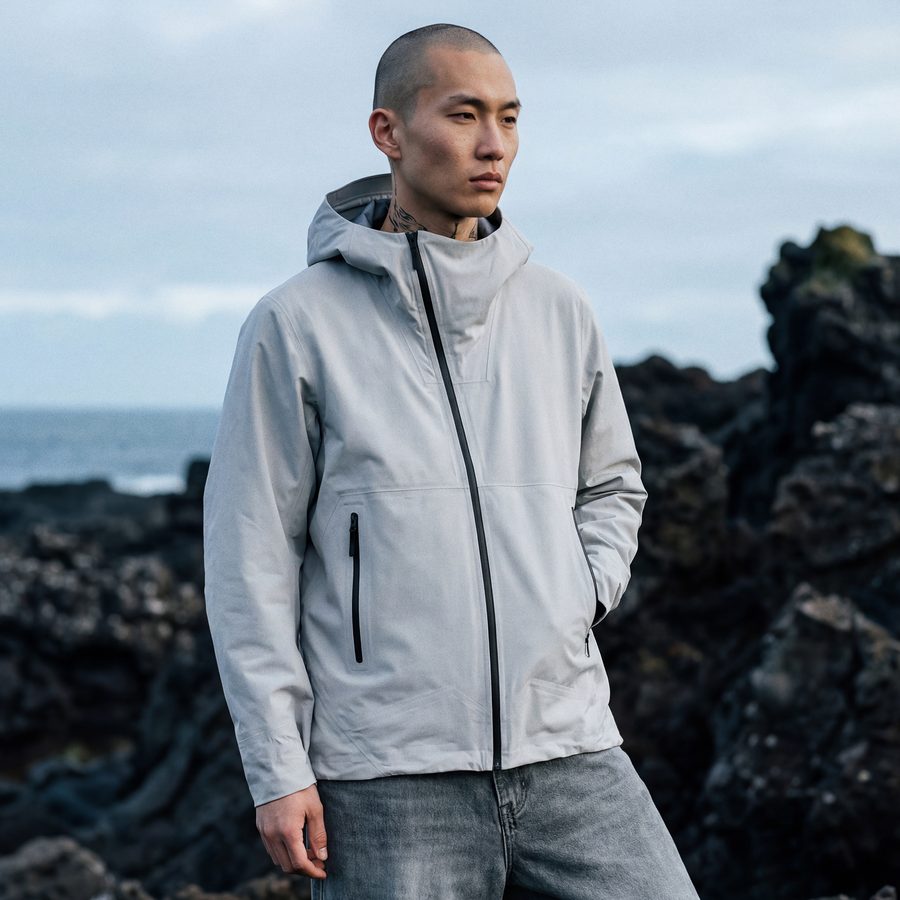
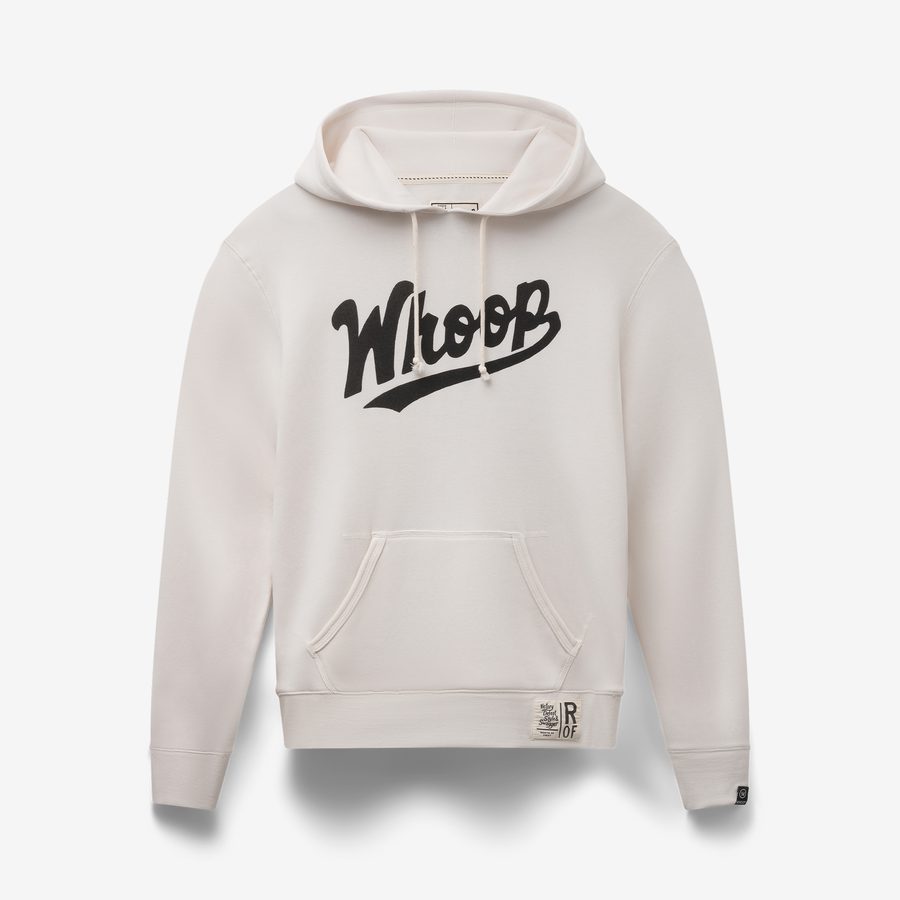
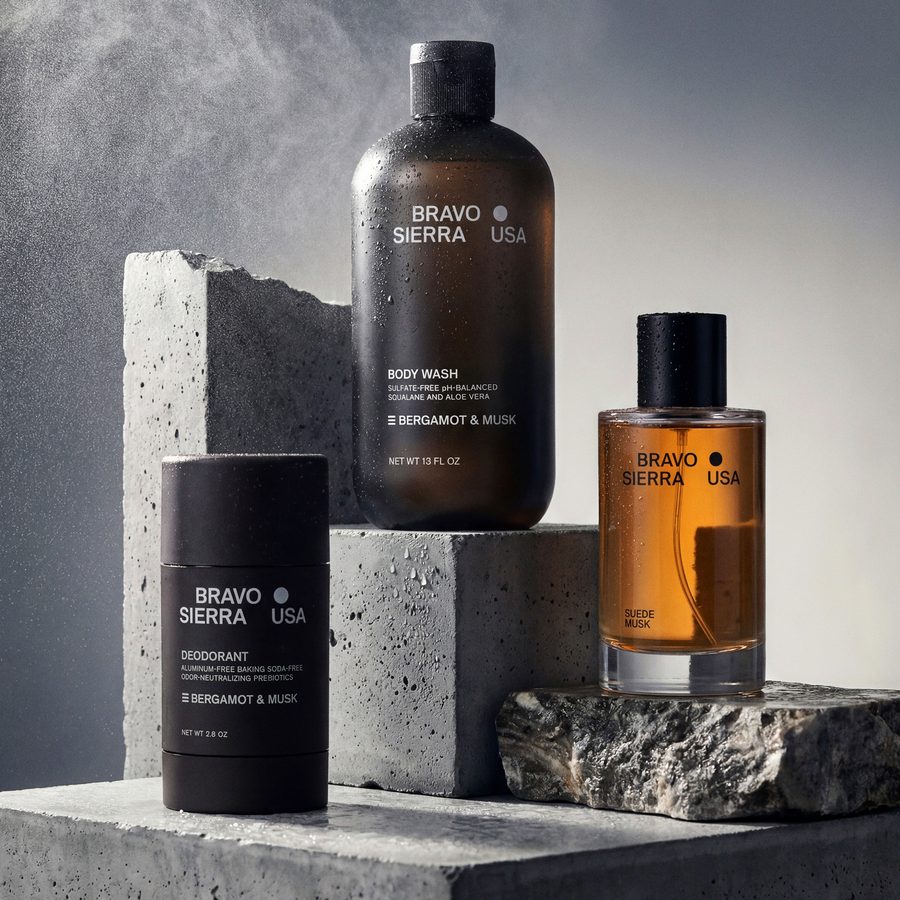
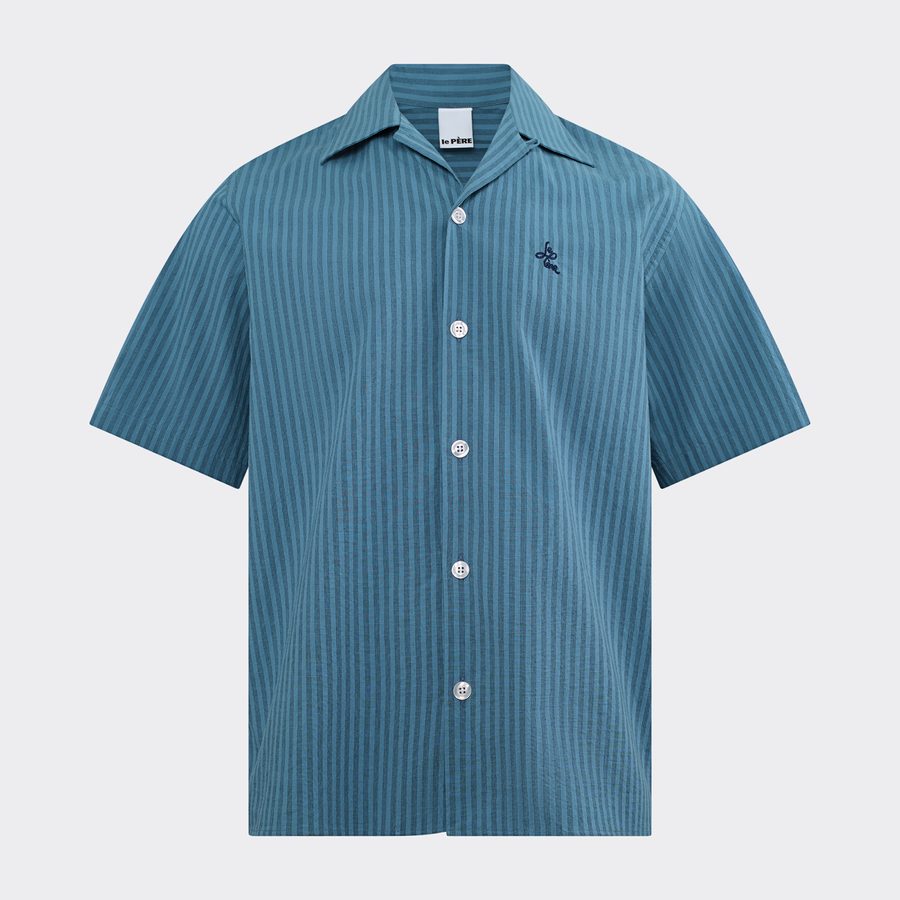
Product shots inspiration
Find something you love.
Save it for upcoming photoshoots.
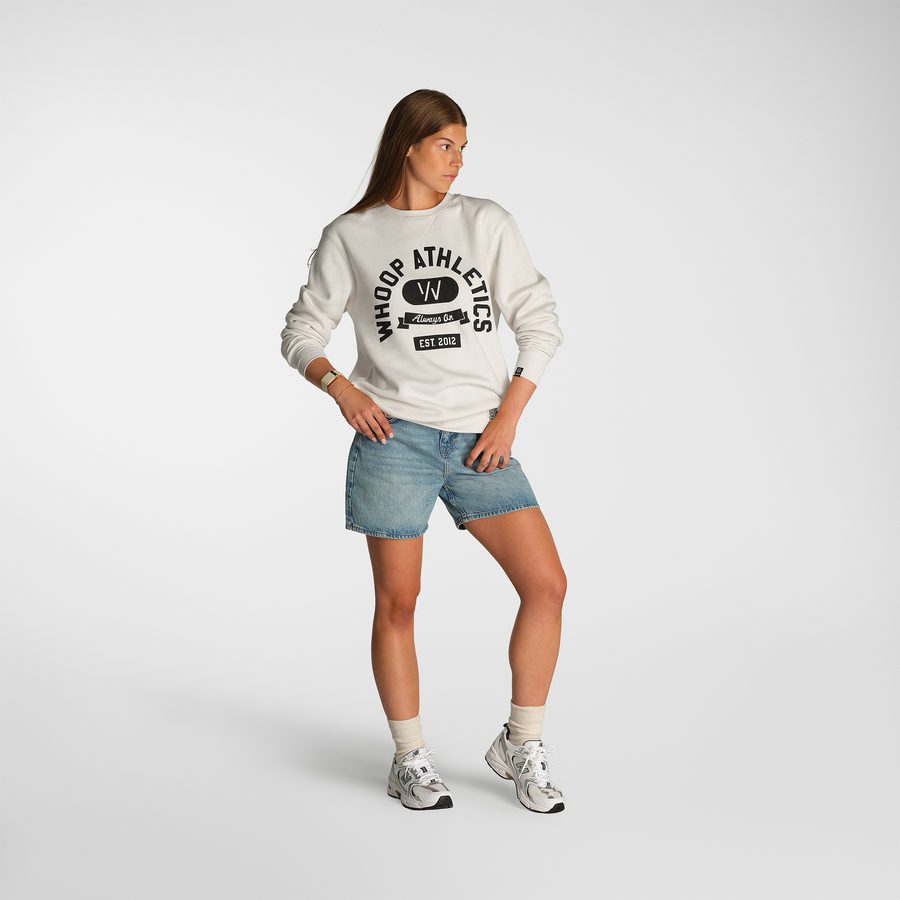

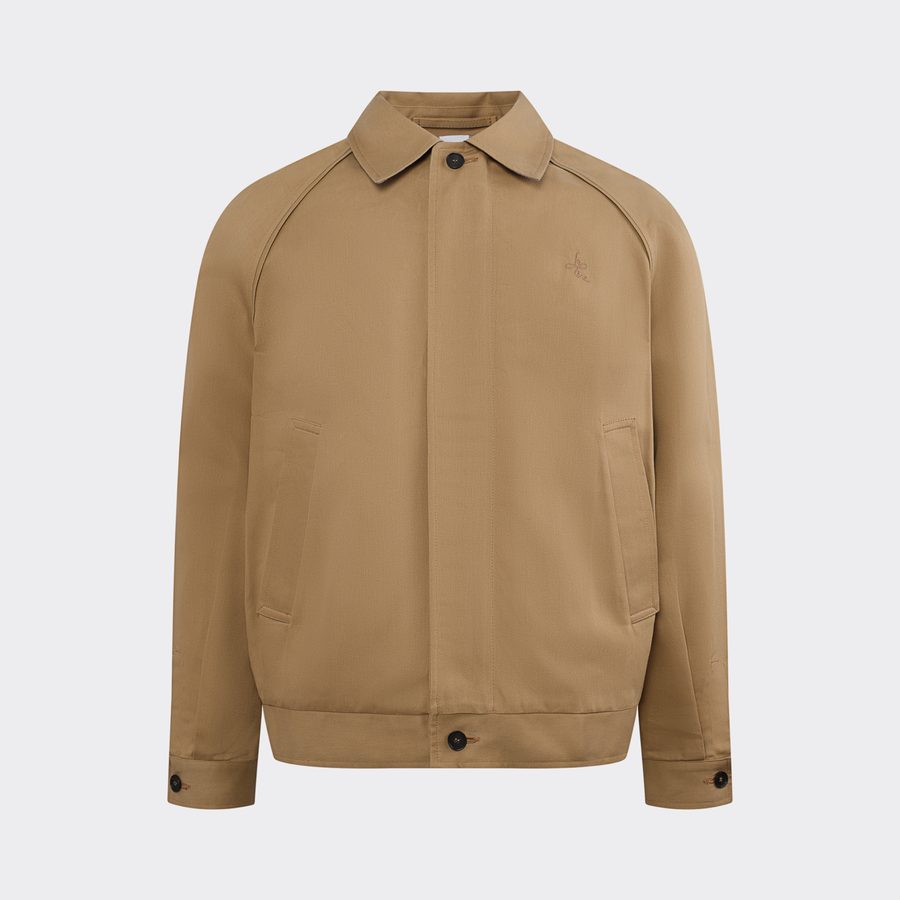
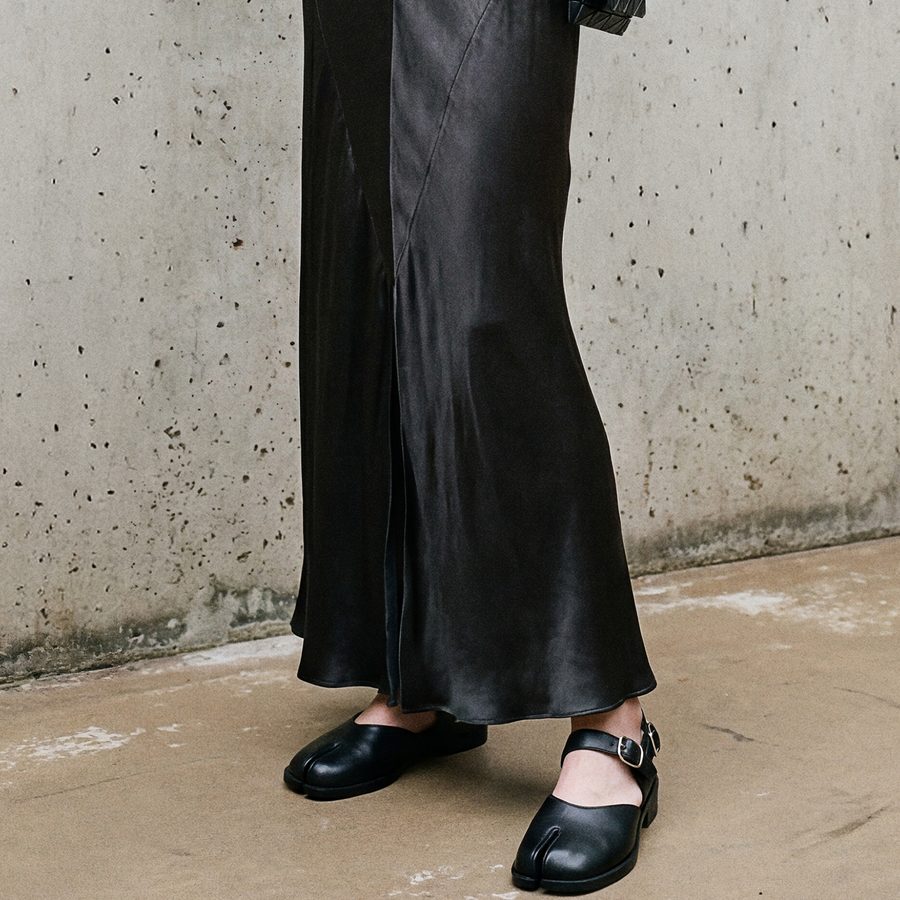
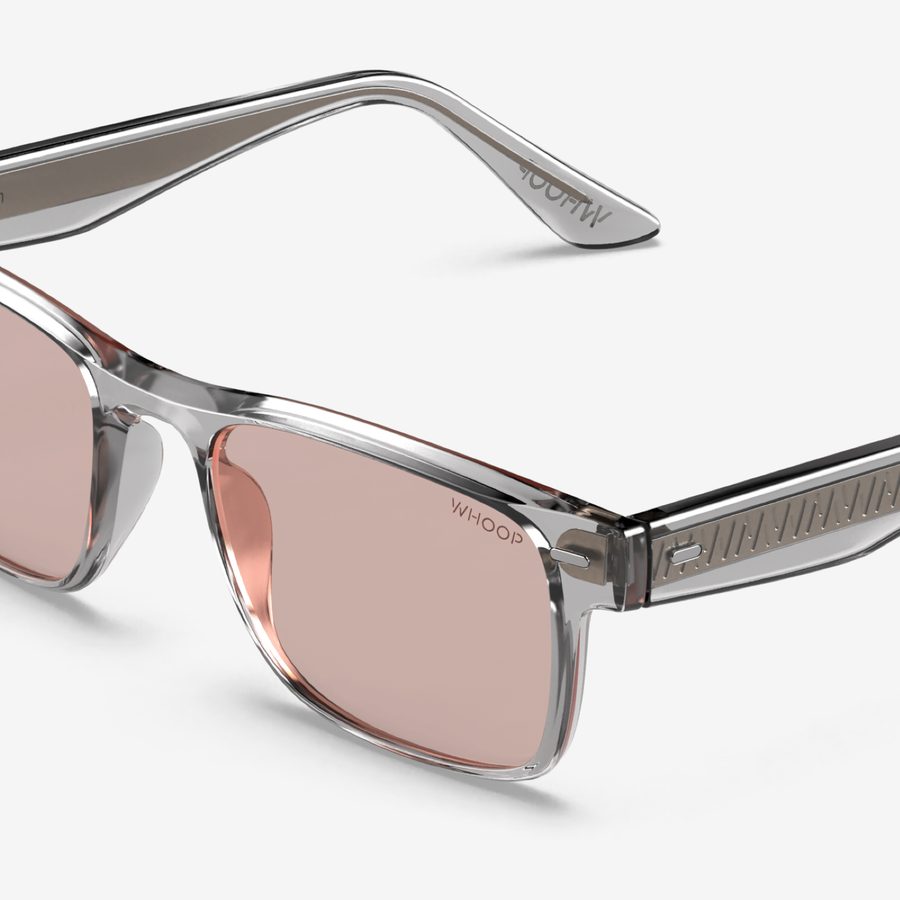
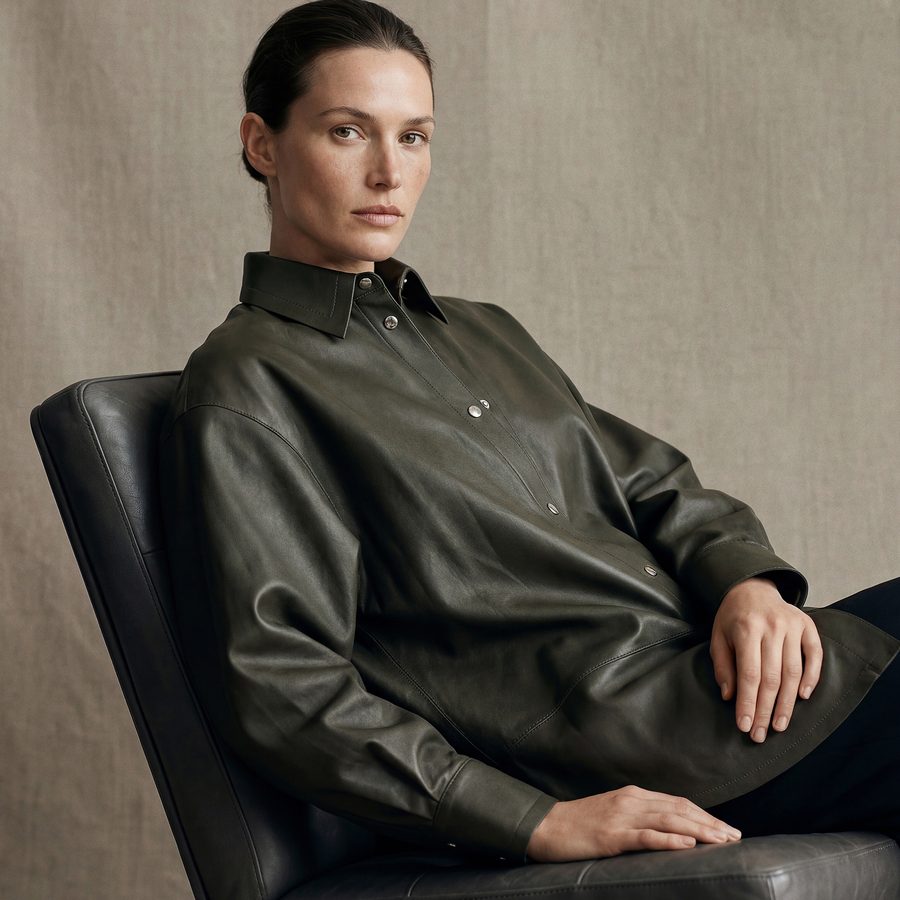
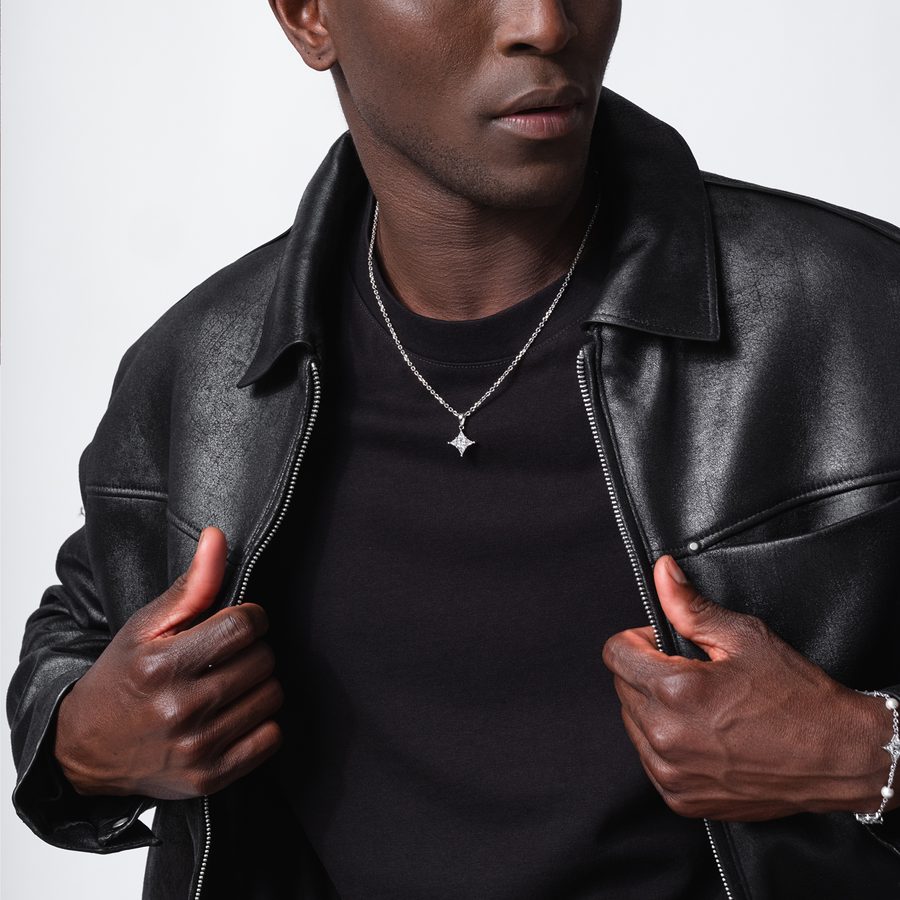

Case studies
read all stories-
Bradley Cundal
from Battle Sports15%
An increase in the PDP conversion rate.
Read story -
Erin Perry
From Elite Fire Apparel45%
Increase in conversion rate.
Read story -
Tommy Guess
From Decor Global40%
Reduction in content production costs.
Read story
How and when to pay?
Once your products are delivered to Squareshot and we confirm that the items match the proposal, we’ll send you an invoice. Once you’ve made the payment, we’ll proceed to the shooting stage.
We use Stripe, so you can pay with all major Credit/Debit cards as well as ACH transfers.
How to deliver products?
After the proposal is accepted, deliver the items to the assigned location via a drop-off or by using one of the major shipping providers.
Drop-off time: Mon – Fri: 9:00 AM – 5:00 PM.
Please do not ship or drop off your products before the proposal is accepted, and make sure it meets the Product Requirements and follows the Delivery Checklist.
How memberships work?
Membership plans give you a lower price per image, reduced turnaround time, and have no minimum order amount. Membership pricing applies on all orders placed after the membership starts. Learn more about the Membership Plans available.
Is retouching included?
Yes, standard retouching is included for every image you order. Any complex manipulations, such as changing the product's original shape or fixing damages and defects, will be charged additionally.
When will images be ready?
We start shooting your project the next business day once we receive the payment. There are 2 image delivery speeds (based on the selected membership plan):
STANDARD takes 6-8 business days* since we receive the products and the payment.
RUSH takes 3-4 business days* since we receive the products and the payment.
*excluding holidays and applies for orders up to 50 standard images.
How to approve images?
Once the images are ready, you will receive a link that can be accessed from any device. This link will allow you to view, approve, and download the images. Please note that you have 10 calendar days to request edits after receiving the link.
Do you accept revisions?
Once you receive an approval link for your images, you have 10 calendar days to request edits. Revisions requested outside of the approval period are still processed, however, they will be paid.
Please highlight areas needing attention and provide clear instructions or references. We appreciate any information that can assist us in meeting your expectations.
Edits could be either free or paid, depending on the cases outlined in our Revision Policy.
Do you provide refunds?
We do not issue refunds for photography services, retouching services, and additional services that have already been completed and delivered in the form of received images.
However, we do offer "remote approval" and "remote shoot" services, as well as free or paid revisions to improve the final outcome.
For more details, please review our Revision Policy and carefully read our full Refund Policy before proceeding with the project.